Blog Automation
Blog automation, built around WordPress, including headless
Research, writing, and publishing that hand off to each other automatically, on the schedule you set — with WordPress support that covers headless setups too.
How a post actually gets from idea to published
1. Research
The keyword queue picks the next topic, scored by real difficulty and intent for your site.
2. Draft
A full post gets written in your brand voice, grounded in what's actually ranking for that keyword.
3. Review (optional)
The draft lands in your dashboard: review and edit, set a hold window, or skip straight to publishing.
4. Publish
The post goes live on your schedule, and the next run queues itself automatically.
WordPress today, including headless
To be direct about scope: WordPress, connected through its own REST API, is the one publishing integration that's actually built and shipped right now. That covers more ground than it might sound like, though — because the connection talks to WordPress's API rather than any specific theme or frontend, it works exactly the same way whether your site uses a traditional WordPress theme or a headless setup, where WordPress is just the content backend and a separate framework (Next.js, Gatsby, or anything else) renders the actual pages, possibly even on a completely different domain.
If that's your setup (a blog that technically runs on WordPress under the hood, even if it looks nothing like a typical WordPress site), the same connection process applies: WordPress URL, an application password, and you're set up.
On something else, or nothing yet?
If your site runs on a different CMS, or you don't have a blog set up at all yet, we'd rather tell you the real state of things than oversell what's available: automatic publishing to platforms other than WordPress isn't built yet. Research and drafting still work regardless of your CMS. You'd just be publishing those drafts manually until we add your platform.
That said, don't assume this rules you out without asking. If you tell us what you're working with (or that you don't have a site at all yet and need help getting one stood up), we can usually point you toward the fastest realistic path, whether that's a custom integration worth scoping or simply setting up WordPress from scratch.
Set the schedule once
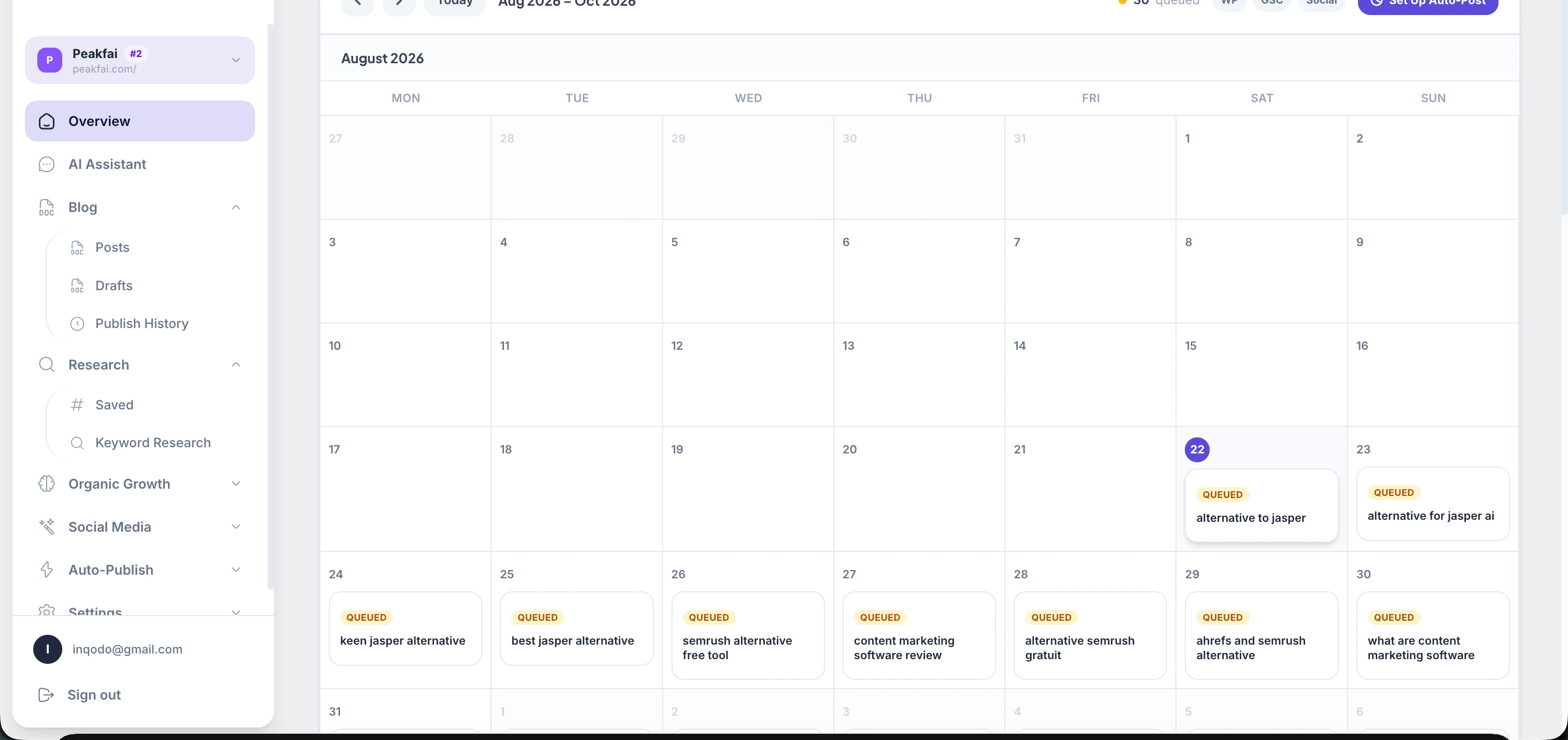
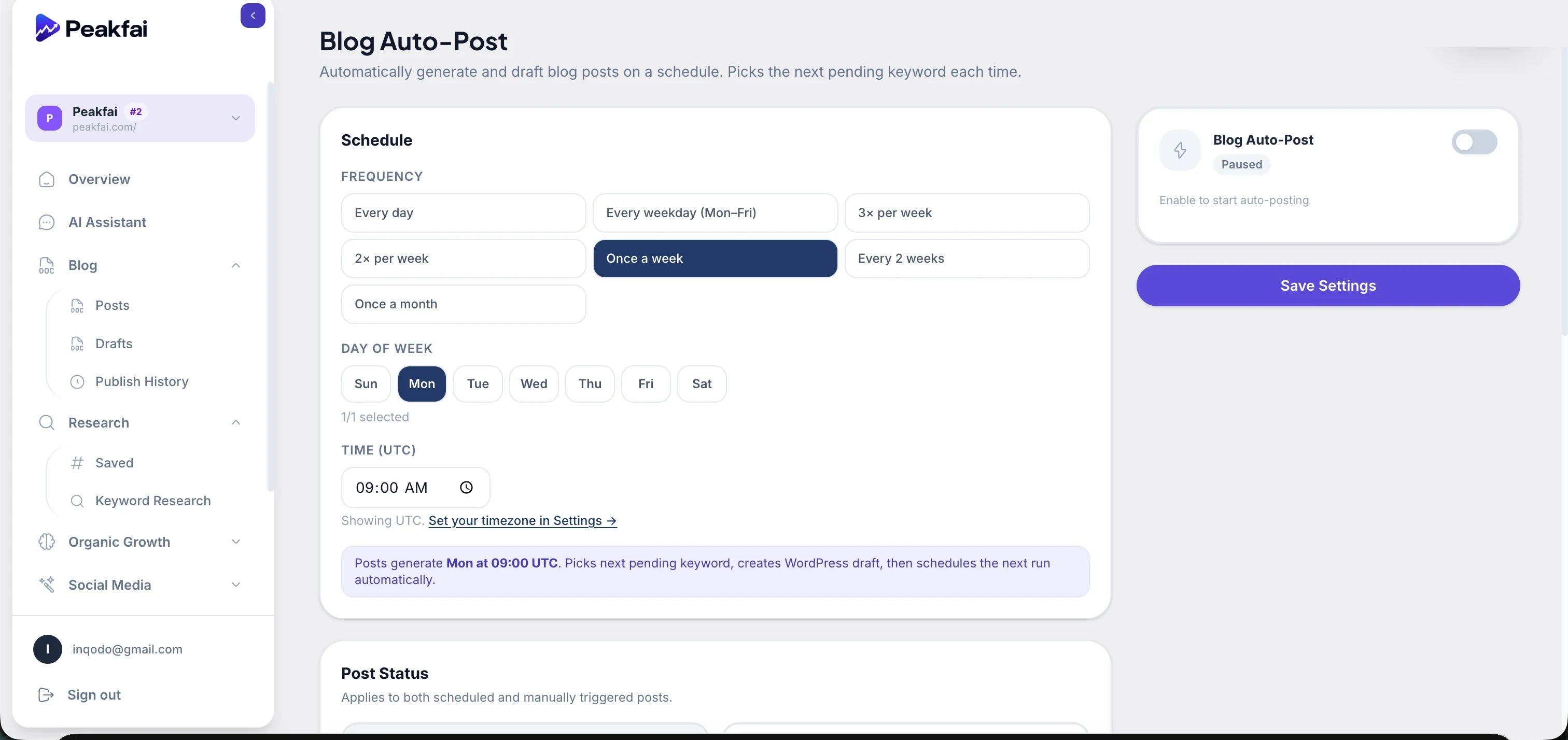
Choose how often posts generate, and whether they publish immediately or wait for your review. The next run schedules itself automatically — no calendar to maintain by hand.
Frequently asked questions
WordPress, connected via its standard REST API. That's the one real, shipped integration. If you're evaluating this and your site isn't on WordPress, it's worth reading the next few questions before assuming this doesn't apply to you.
Yes, and this isn't a separate feature, it's the same WordPress integration. Peakfai publishes through WordPress's REST API, which works identically whether your site renders through a traditional WordPress theme or a headless setup (a Next.js, Gatsby, or other frontend pulling content from WordPress as a pure backend). If your blog lives on a different domain or framework from your main site but WordPress is the CMS behind it, the same connection works.
Auto-publishing isn't available yet for other CMS platforms out of the box. If you're on something else (Ghost, Webflow, a custom-coded site), get in touch and tell us about your setup; a custom integration is often possible to scope, and it's genuinely useful for us to know which platforms people need next.
That's also worth telling us directly rather than assuming it rules you out, depending on what you're trying to build, setting up a basic WordPress site is usually the fastest path to being able to use the full automation, and it's something we can point you toward.
No, that's your choice. Every post can land in a review queue by default, with a configurable hold window (say, 24 hours) before it auto-publishes, or you can review and approve manually, or turn on fully automatic publishing once you trust the output.
Whatever cadence you set — daily, a few times a week, weekly, or a custom schedule. The system generates the draft for the next scheduled slot and queues the following run automatically.
The second one: this page exists to explain how blog automation actually works, not to rank for a specific search term. If you're looking for how Peakfai approaches keyword strategy itself, that's covered on the keyword research page.